complexification_net · cellularAutomataWorm
Cellular Automata Worm
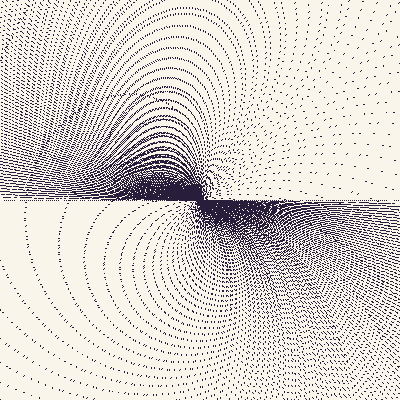
The CA Worm is an expanding construction of a one-dimensional cellular automaton. Each successive row of the automaton is rotated and slightly enlarged from the last, producing a worm-like form that grows in a slow spiral. Tarbell uses Wolfram's 8-bit Class 4 CA with rule 114 — a 'Class 4' rule that produces complex, never-repeating spatio-temporal texture — drawn as a thickened stack of horizontal bit-rows rather than the conventional scrolling timeline.
Original: https://web.archive.org/web/20041230042637/http://levitated.net/daily/levCAWorm.html
▶ Try the live demo (JS port) ▶ Run reference.py via Pyodide 10 formulas have instant JS ports. The Pyodide path runs the actual Python in your browser — first load is ~6 MB, then instant.
Math essence
Wolfram 1D CA on a ring of N bits: each new row b'_{i} = LUT[3·b_{i-1} + 2·b_i + b_{i+1}] where LUT is the bit-table for the chosen rule (default 114). Each successive row is then drawn at scale s_n = scale_per_step^n and angle theta_n = n · rotate_per_step, so successive generations walk outward in a log-spiral.
Parameters
| Name | Type | Default | Range | Description |
|---|---|---|---|---|
dim | int | 400 | 150–800 | Square canvas side length |
rule | int | 114 | 0–255 | Wolfram 1D CA rule 0..255 |
rotate_per_step_deg | float | 0.85 | -10–10 | Rotation of each row relative to the previous |
scale_per_step | float | 1.018 | 0.95–1.1 | Growth factor of each row vs. the previous |
max_rows | int | 400 | 50–2000 | Sliding-window length of stored rows |
start_density | float | 0.5 | 0–1 | Initial Bernoulli density of seed row |
bg_color | tuple | 250,245,235 | null–null | Background RGB |
worm_color | tuple | 40,30,60 | null–null | Worm pixel RGB |
seed | int | null | 0–999999 | RNG seed |
Reference
First 60 lines of reference.py. Full source:
library_external/complexification_net/cellularAutomataWorm/reference.py
from __future__ import annotations

from typing import ClassVar

import imageio.v2 as imageio
import numpy as np


class CellularAutomataWorm:
    family: ClassVar[str] = "complexification_net"
    sketch: ClassVar[str] = "cellularAutomataWorm"

    def __init__(
        self,
        dim: int = 400,
        rule: int = 114,
        rotate_per_step_deg: float = 0.85,
        scale_per_step: float = 1.018,
        max_rows: int = 400,
        start_density: float = 0.5,
        bg_color: tuple[int, int, int] = (250, 245, 235),
        worm_color: tuple[int, int, int] = (40, 30, 60),
        seed: int | None = None,
    ) -> None:
        self.dim = dim
        self.rule = int(rule)
        self.rotate_per_step = float(np.deg2rad(rotate_per_step_deg))
        self.scale_per_step = float(scale_per_step)
        self.max_rows = max_rows
        self.start_density = float(start_density)
        self.bg_color = np.array(bg_color, dtype=np.uint8)
        self.worm_color = np.array(worm_color, dtype=np.uint8)
        self._seed = seed
        self.rng = np.random.default_rng(seed)
        self._rule_table: np.ndarray = np.zeros(8, dtype=np.uint8)
        self._build_rule_table()
        self.canvas = np.full((dim, dim, 3), self.bg_color, dtype=np.uint8)
        self.rows: list[np.ndarray] = []
        self.positions: list[tuple[float, float]] = []
        self.scales: list[float] = []
        self.angle = 0.0
        self.scale = 1.0
        self.cx = dim / 2.0
        self.cy = dim / 2.0
        self.num_rows = 0
        self.time = 0
        self.reset()

    def reset(self, seed: int | None = None) -> None:
        if seed is not None:
            self._seed = seed
        self.rng = np.random.default_rng(self._seed)
        self._build_rule_table()
        self.canvas = np.full((self.dim, self.dim, 3), self.bg_color, dtype=np.uint8)
        self.rows = []
        self.positions = []
        self.scales = []
        self.angle = 0.0
        self.scale = 1.0
        self.cx = self.dim / 2.0
Try running it locally
The reference implementation is self-contained Python with numpy. Install the package and run:
python library_external/complexification_net/cellularAutomataWorm/reference.pyNeed help? See Learn for the standard environment setup, or Playground for an in-browser sketchbook.
More from complexification.net
Boundaries
complexification_net · boundaries
Boundaries traces gradient-magnitude contours on a fractal Brownian motion noise substrate.
Cyclic Cellular Automaton
complexification_net · cyclicCellularAutomaton
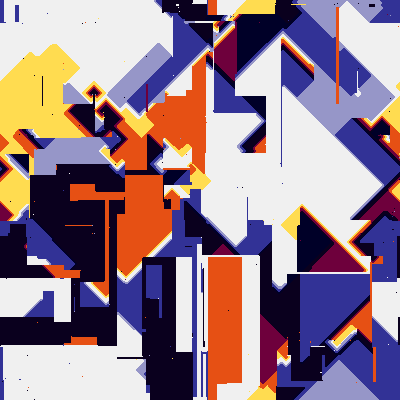
A Greenberg-Hastings / Rock-Paper-Scissors style cyclic cellular automaton on a 2D torus.
Diffusion Limited Aggregation
complexification_net · diffusionLimitedAggregation
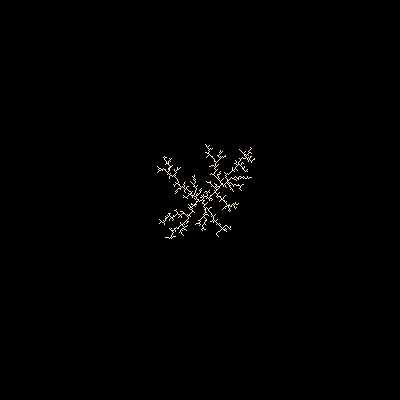
DLA is a simulated growth process: a sticky seed sits in a 2D field, wandering particles spawn along an outer circle, take unit-length random-walk steps, and stick to the cluster whenever they touch it.
Fibers (curling brush)
complexification_net · fibers
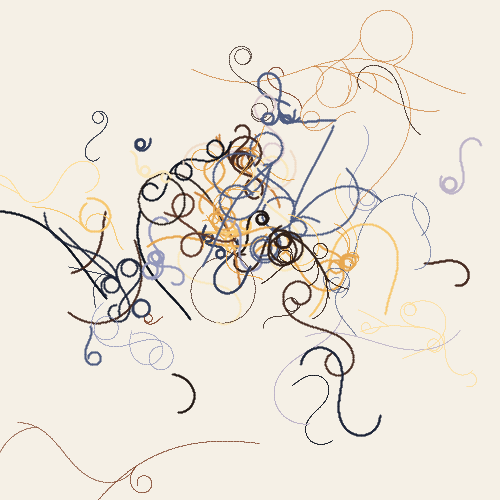
A field of curling fibers grown from random seeds scattered across the canvas.
Main Vein
complexification_net · mainVein
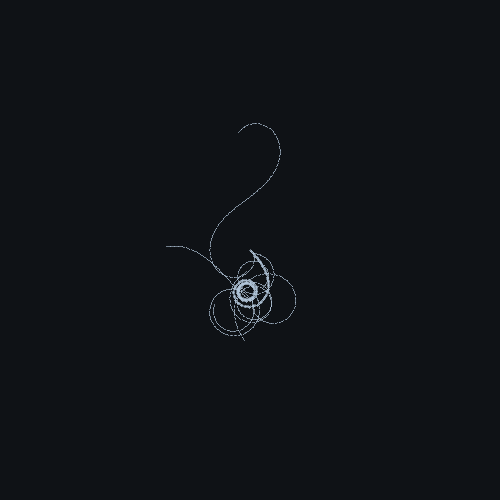
A single, meandering recursive vein grows from the center of a dark substrate.
Reaction Diffusion (Gray-Scott)
complexification_net · reactionDiffusion
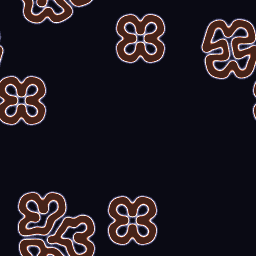
Gray-Scott reaction-diffusion on a torus: two virtual chemicals U (substrate) and V (catalyst) react and diffuse on a 2D grid.